OTA Updates
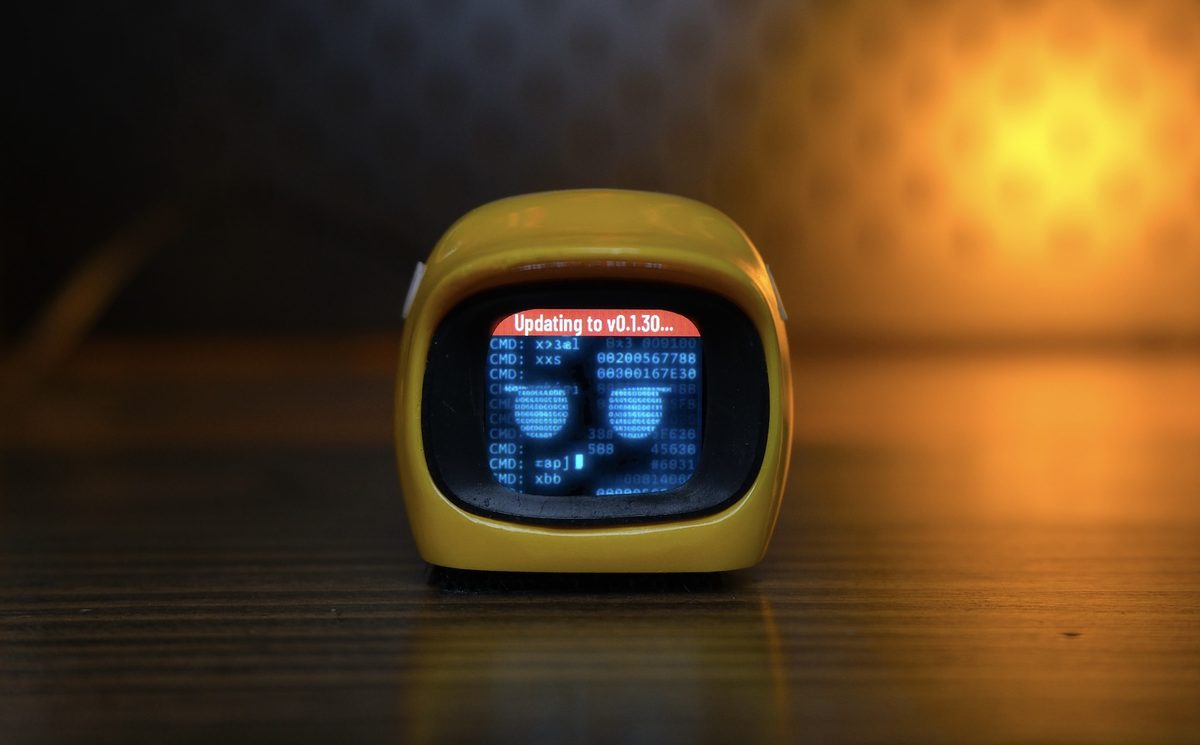
Kamoji updates its firmware over Wi-Fi. There is no OTA over Bluetooth Low Energy — Wi-Fi is the only update path.
Once Kamoji is connected to Wi-Fi, it automatically checks for the latest firmware and updates itself. There's no app to open and no button to press to trigger an update.
Kamoji needs to join your Wi-Fi network once before it can check for updates — see Wi-Fi Setup if you haven't done that yet.
When updates happen
Once Wi-Fi is configured, Kamoji checks for new firmware — as well as new animations and sound effects — right after power-on, and then again every hour. This happens automatically and silently, with no indication on screen unless an update is actually found and installed.
To trigger a check manually instead of waiting, use Check Update on the Settings screen.
Turning automatic updates off
Auto Update on the Settings screen (also in the Kamoji app's Kamoji Config page and on Kamoji's web page) is on by default. Turn it off and Kamoji no longer installs new firmware by itself: it updates only when you choose Check Update or start an update from the app. New animations and sound effects keep arriving either way.